Free meal train sign up
A meal train by text ends with two dinners on Tuesday and none on Thursday.Kitokoto shows your friends which nights still need a cook.Free, no account.
Use this meal trainMeal train
Quantity- Monday dinner1
- Tuesday dinner1
- Wednesday dinner1
- Thursday dinner1
- Friday dinner1
You can change anything before you share it.
Use this sheetSetting up a meal train
- 01
Ask the family first
Check which nights would help, any allergies and the best time to drop off.
- 02
One cook a night
One cook a night is plenty.
- 03
Say where and when
Add the address and a drop-off time to the sheet.
- 04
Mention the dishes
Ask for food in containers that don't need to come back.
- 05
Start with a week
A week is a good start. Add more nights if the family wants them.
- 06
Drop off and go
A quick hello at the door is usually enough.
Your meal train on Kitokoto
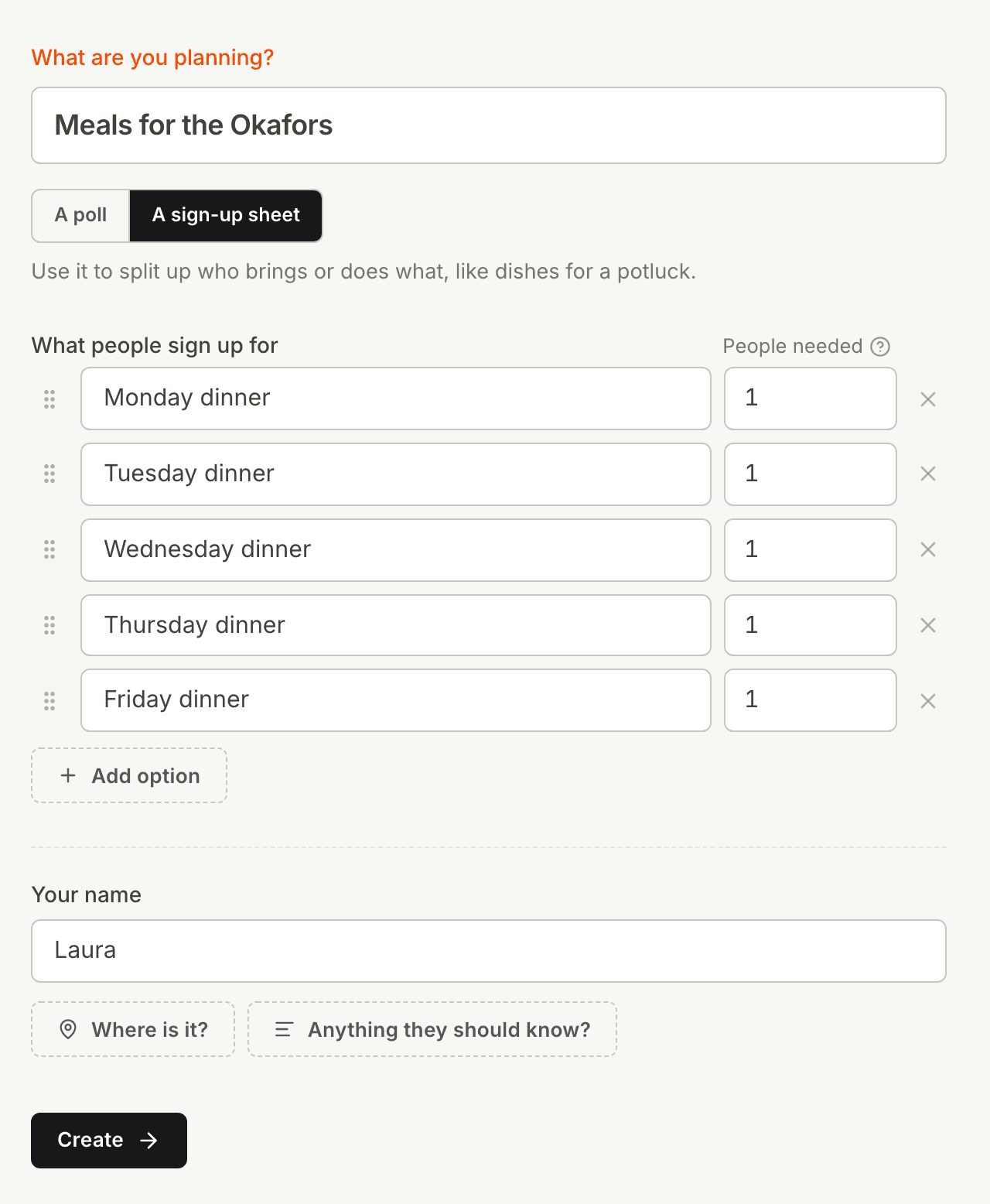
One dinner a night
When offers to cook come by text, the same night can get two dinners. On Kitokoto, each night takes one cook, and a taken night can't be chosen again.
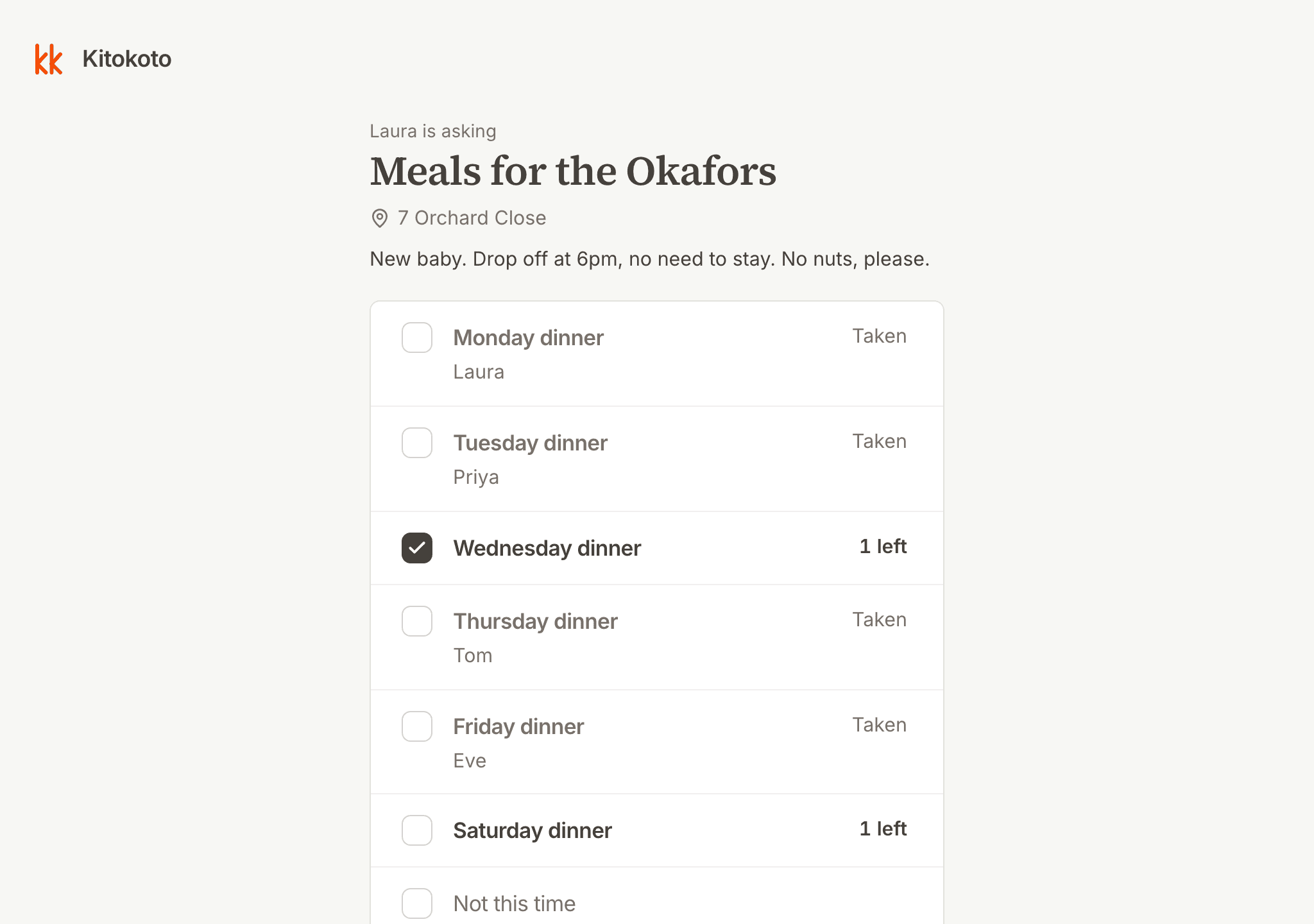
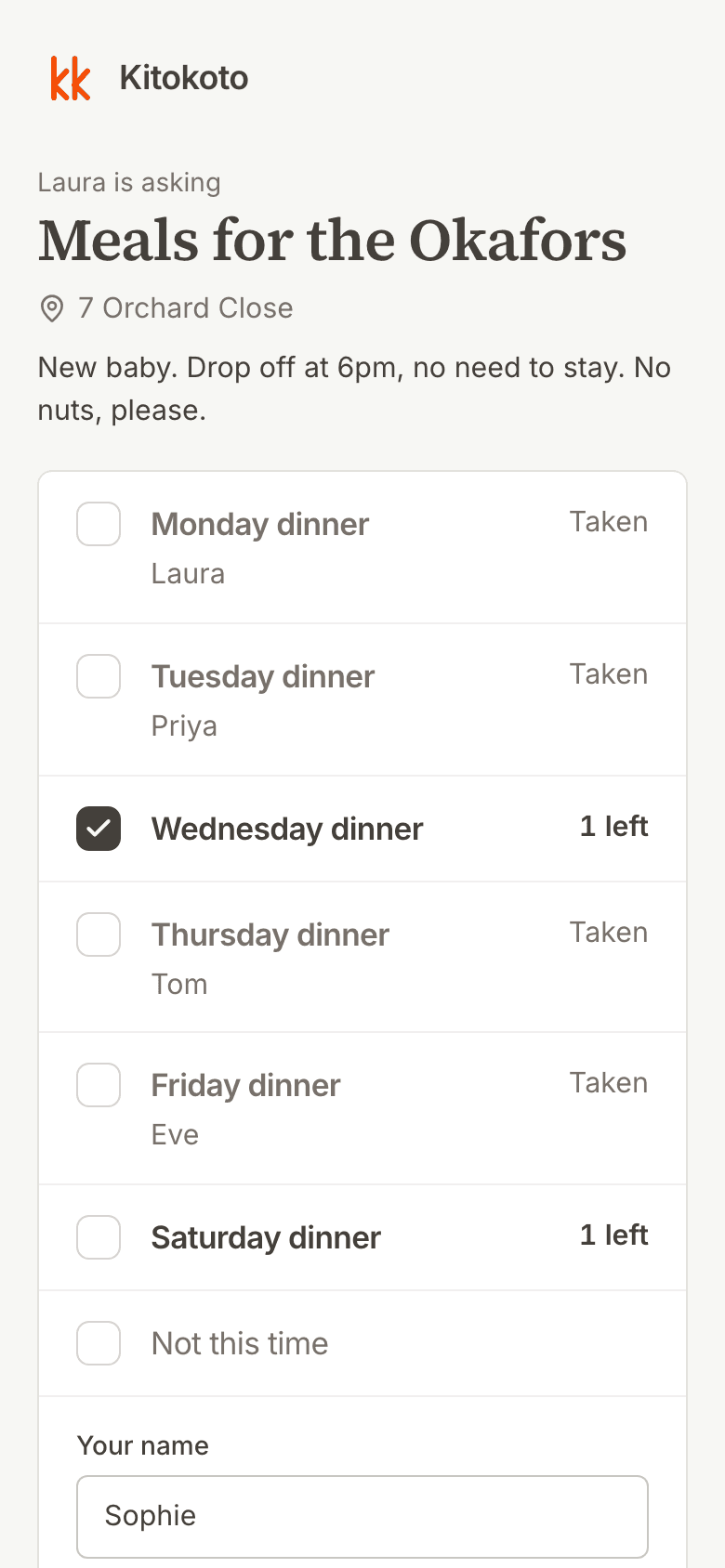
Easy to sign up on a phone
Many sign-up tools ask for an account or an email address. On Kitokoto, signing up takes just a name.
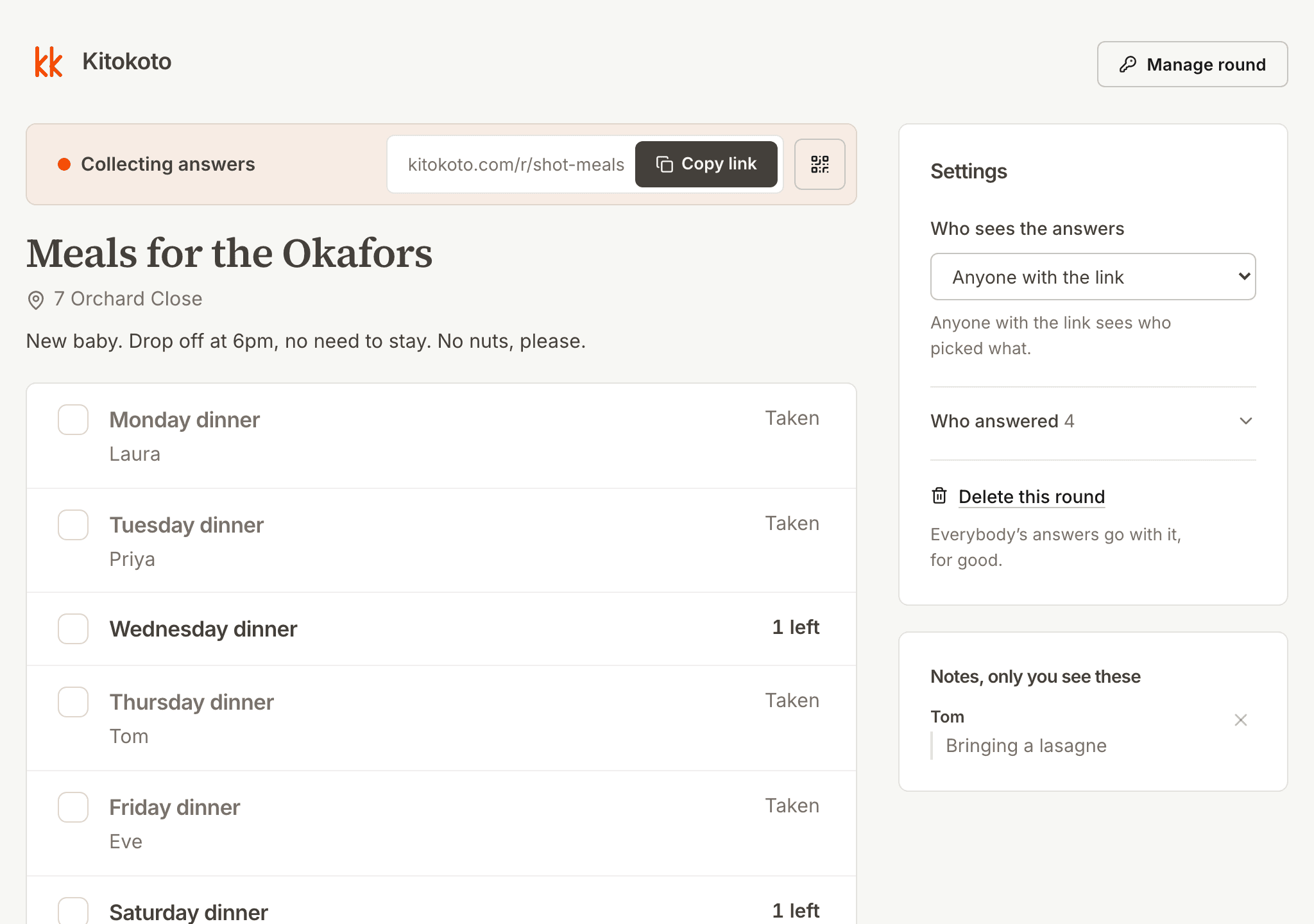
Who's cooking when
Keeping track of who's cooking which night is one more job for you. Kitokoto shows each night with the cook's name, and notes come only to you.
Questions
- What is a meal train?
- A schedule of meals that friends cook and drop off for someone, usually one dinner a night.
- How do I set up a meal train?
- List the nights, add the address and a drop-off time, and share the link. Each night takes one cook.
- Is there a free meal train sign up?
- Yes. Kitokoto is free, with no account and no ads.
- What should a meal sign up sheet include?
- The nights, the address, a drop-off time and any allergies.
- Is there a meal train calendar?
- The sheet lists each night with the cook's name, which works as the calendar.
- Where do I put allergies?
- In the note on the sheet, next to the address and the drop-off time.