How to schedule a committee meeting
A committee meeting only works when the right members can make it.Kitokoto puts a few dates to the members you name, in one poll.Free, no account.
Create your first eventBefore you send the invite
- 01
Check who has to be there
The chair, the treasurer and enough members for a quorum. Start with the dates that suit them.
- 02
Offer a few dates
Two or three is enough, with at least a week or two of notice.
- 03
Keep it to the committee
Name the members who can answer, so the poll stays with the people it's for.
- 04
Decide who sees the answers
You can keep the answers to yourself and only share the date you pick.
- 05
Send the agenda early
Put the agenda with the date and the room, so members can come prepared.
- 06
Confirm the numbers
A day or two before, check you'll have enough members to decide anything.
Find the date with Kitokoto
Dates in one poll
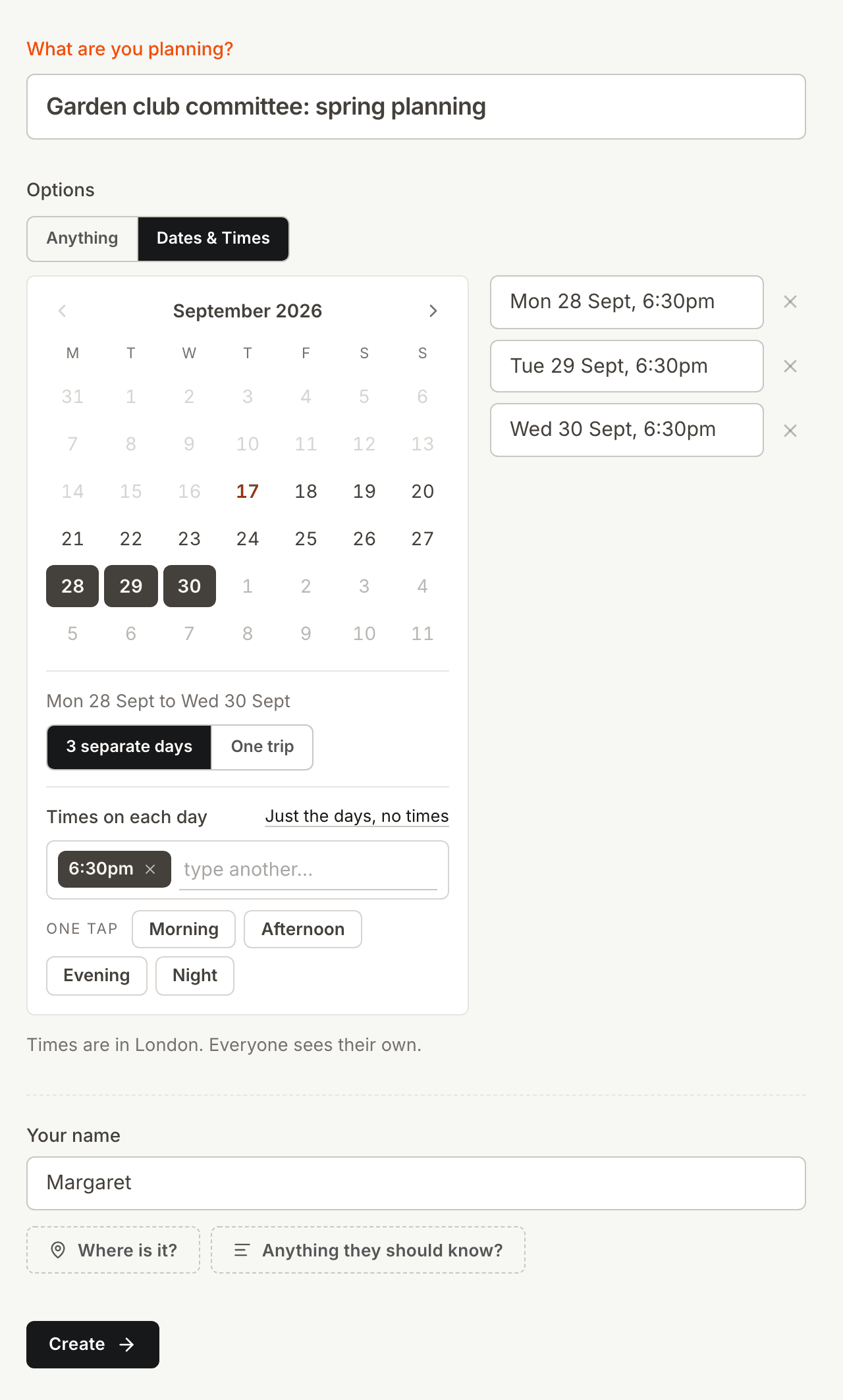
Email threads about dates get long and confusing. Put the dates you could do in one poll instead.
Kept to your committee
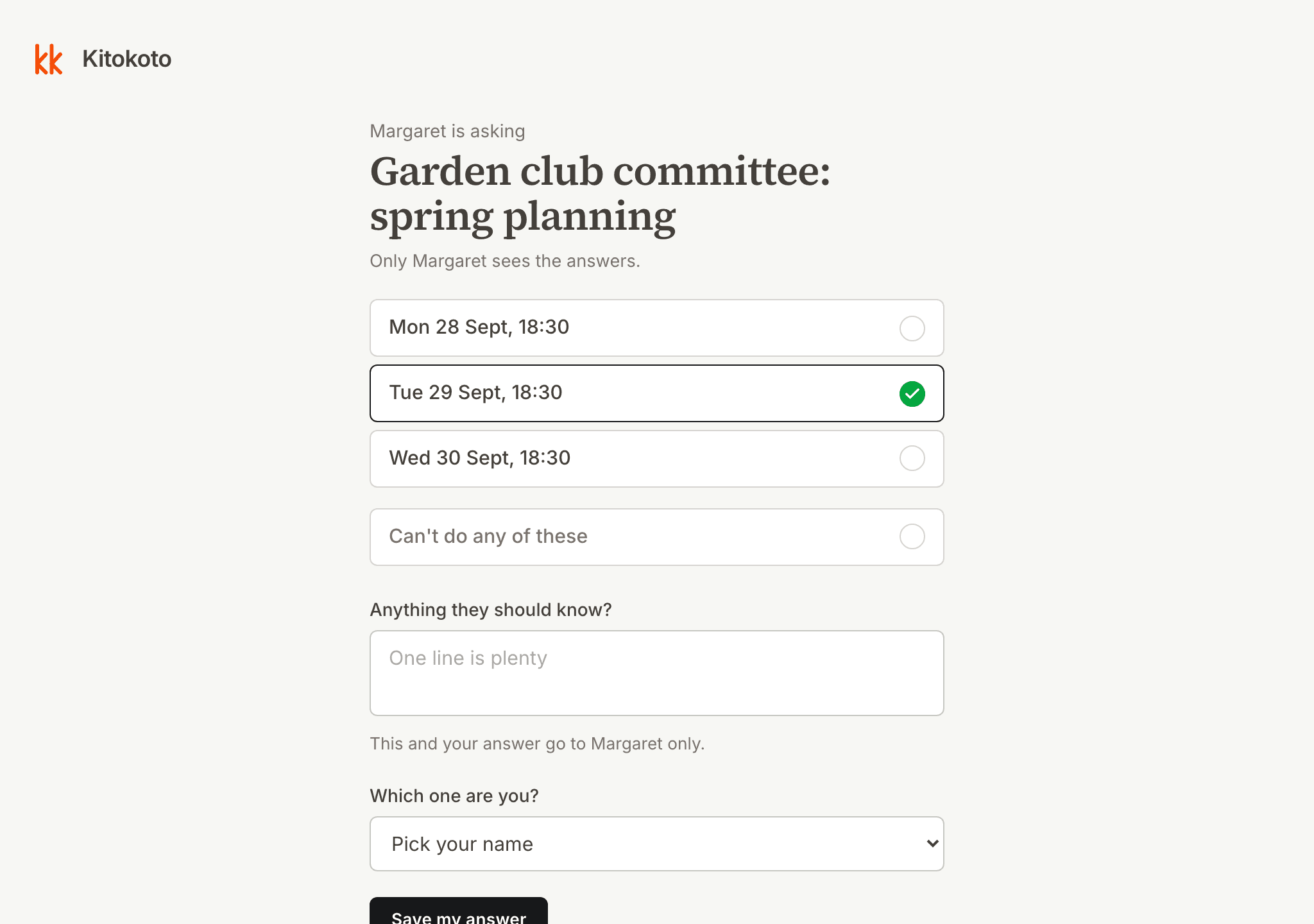
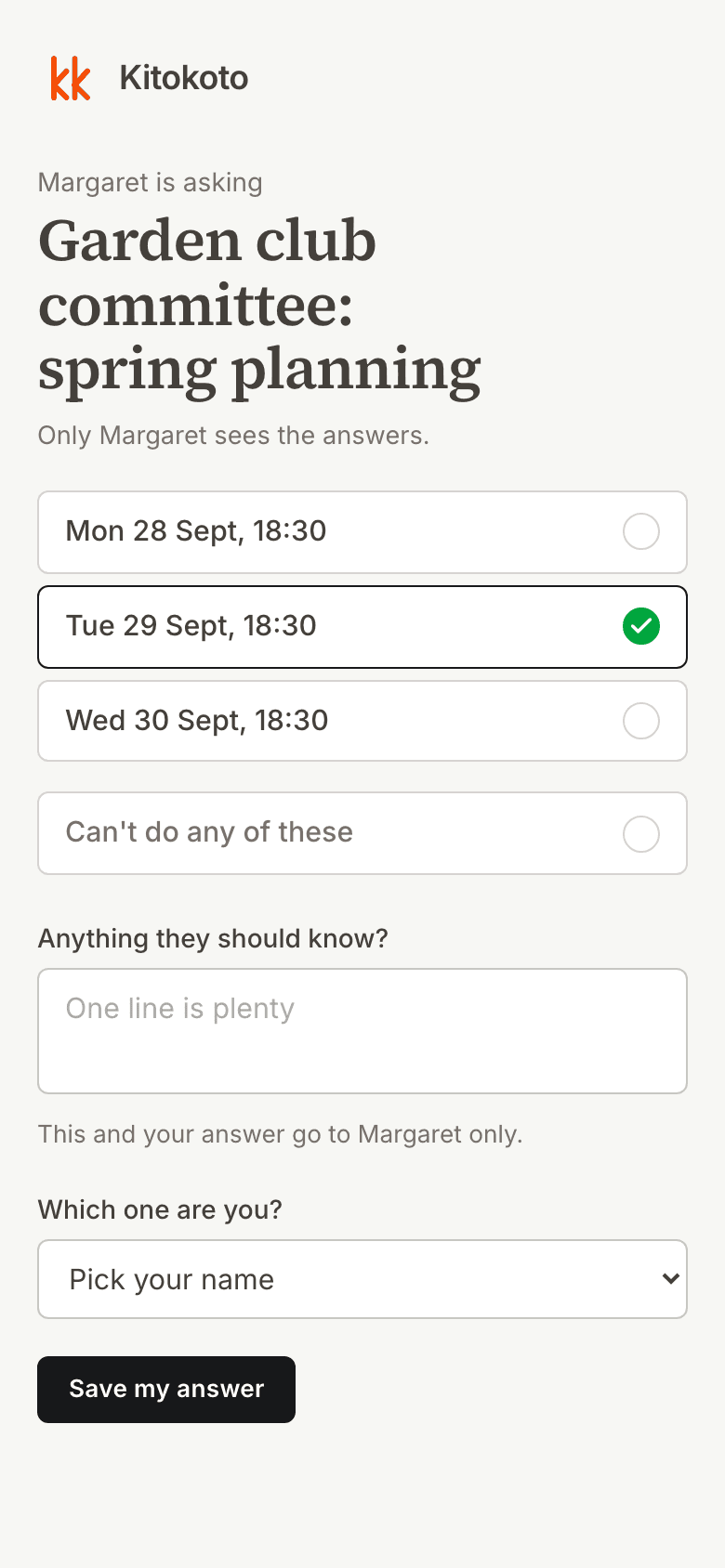
A committee poll should only take answers from the committee. Kitokoto keeps it to the names you list.
Only you see the answers
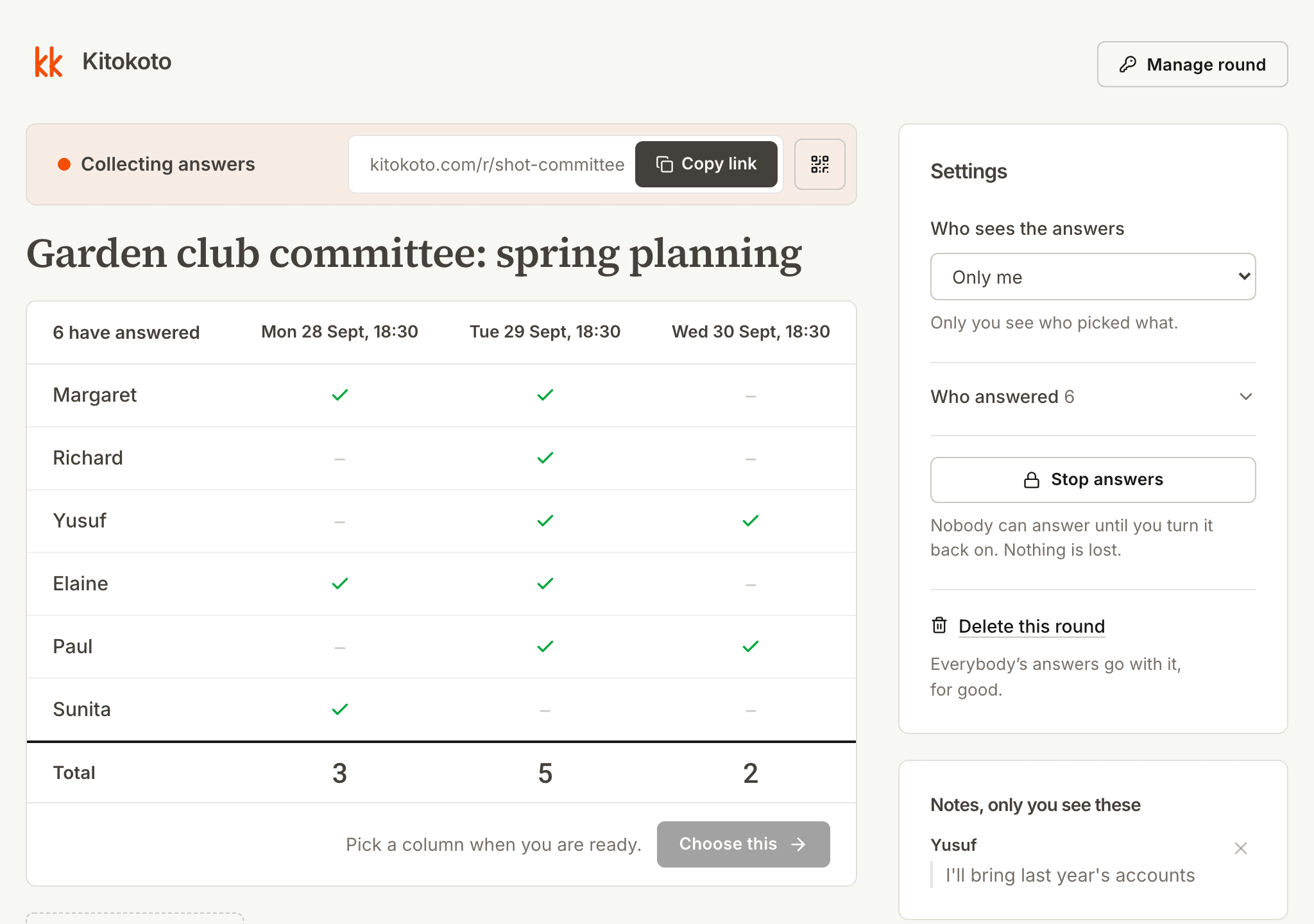
Not every member wants a diary on show to the rest of the committee. Kitokoto shows the answers to you alone, with private notes.
An up-to-date event page
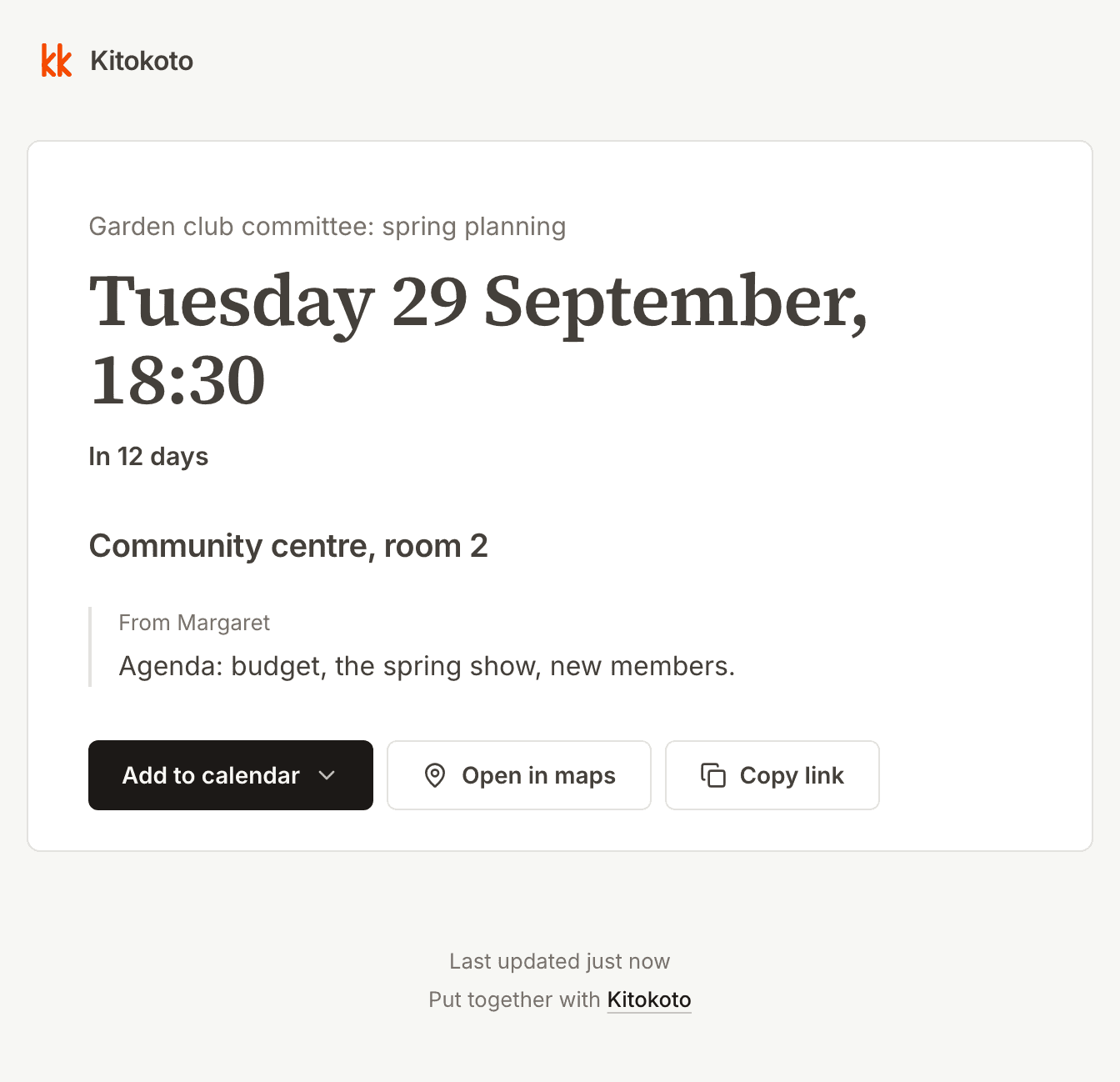
Details posted in a group chat get buried, and changes get missed. Kitokoto gives your meeting a page with the date, the room and the agenda. When you change a detail, the page changes too.
Questions
- How do you schedule a meeting with a busy committee?
- Offer two or three dates in a poll kept to the committee, then pick the one the most members can make.
- Can I limit who answers the poll?
- Yes. You can keep a poll to the names you list. Kitokoto does not check who someone is.
- Can I hide the answers from other members?
- Yes. You can be the only one who sees who picked what.
- Do members need an account?
- No. Kitokoto has no accounts, for you or anyone you invite.