Free volunteer sign up sheet
Some shifts fill up fast and others stay empty.Kitokoto shows how many people each shift still needs.Free, no account.
Use this volunteer sheetVolunteers
Quantity- Setting up4
- Morning shift3
- Afternoon shift3
- Clearing up4
You can change anything before you share it.
Use this sheetGetting every shift covered
- 01
List every job
Include setting up and clearing up, which are easy to forget.
- 02
Keep shifts short
Two hours is easier to give than a whole day.
- 03
Say how many you need
Put a number on each shift, and it stops taking sign-ups when it's full.
- 04
Share it early
Two or three weeks' notice leaves time to plan around it.
- 05
Chase the gaps
The sheet shows which shifts still need people. Ask for those by name.
- 06
Say thank you
A message afterwards makes it easier to ask next time.
Your rota on Kitokoto
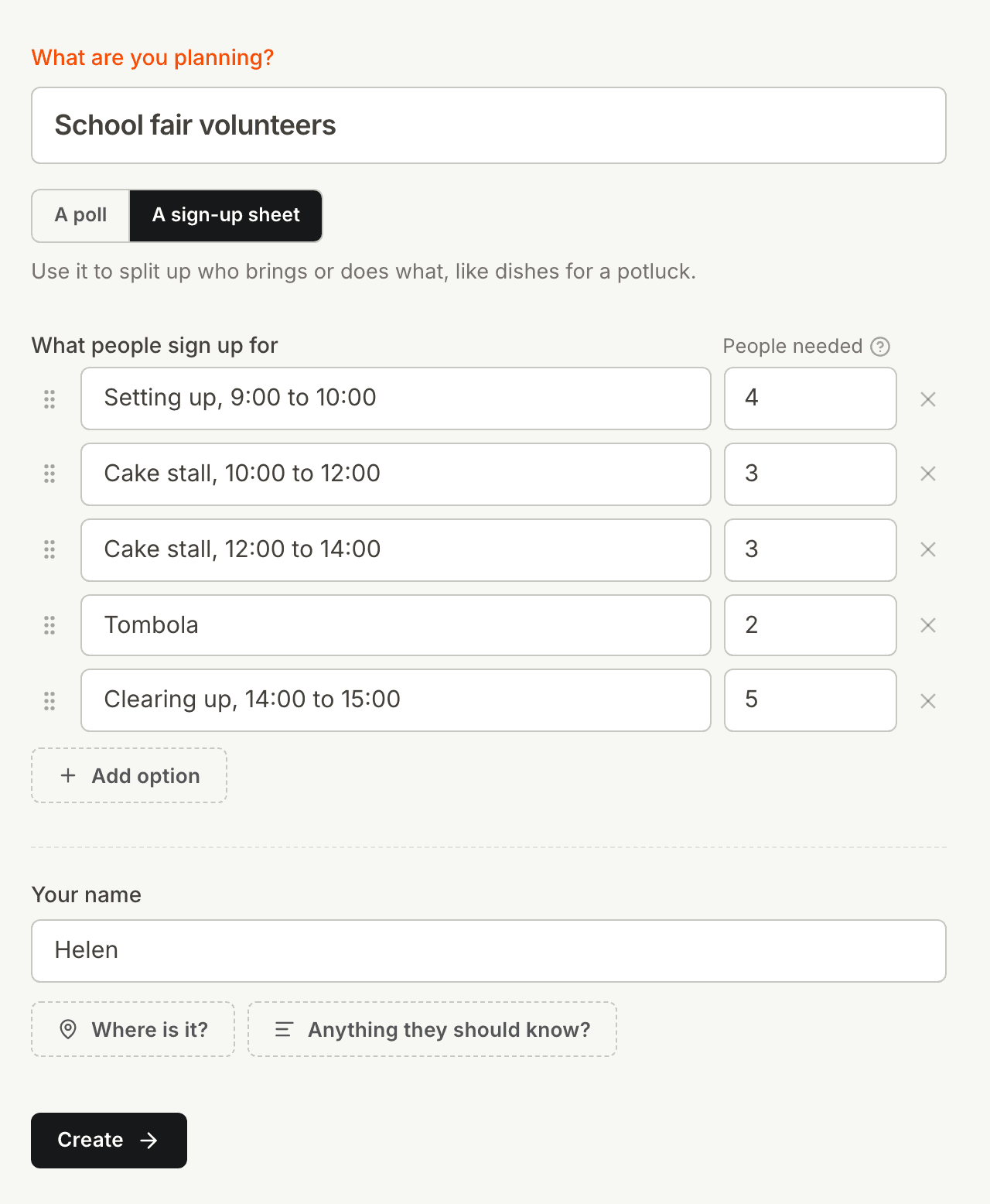
How many people each shift needs
Asking for help by email means sorting through a long thread of replies. On Kitokoto, you list the shifts and how many people each one needs.
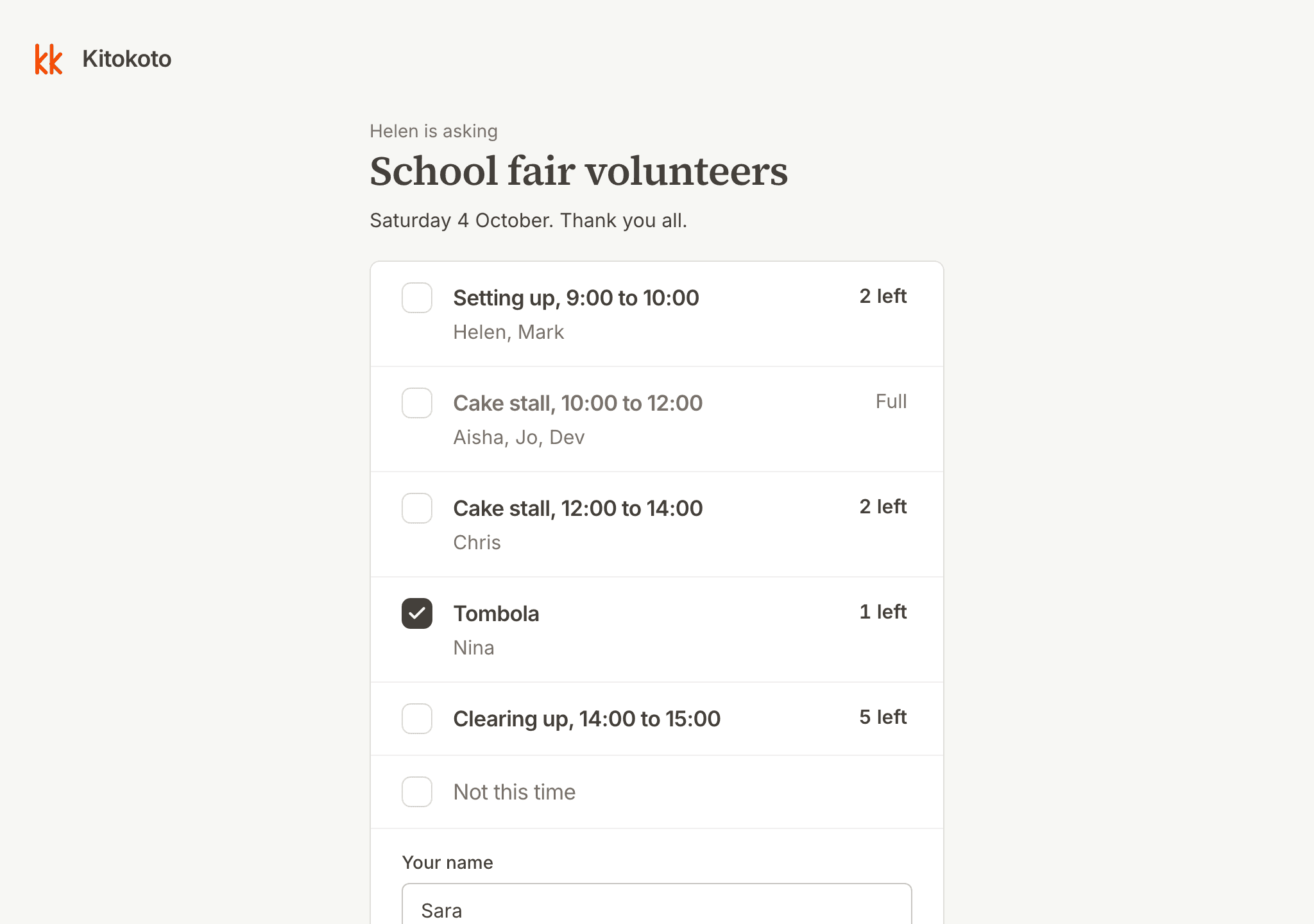
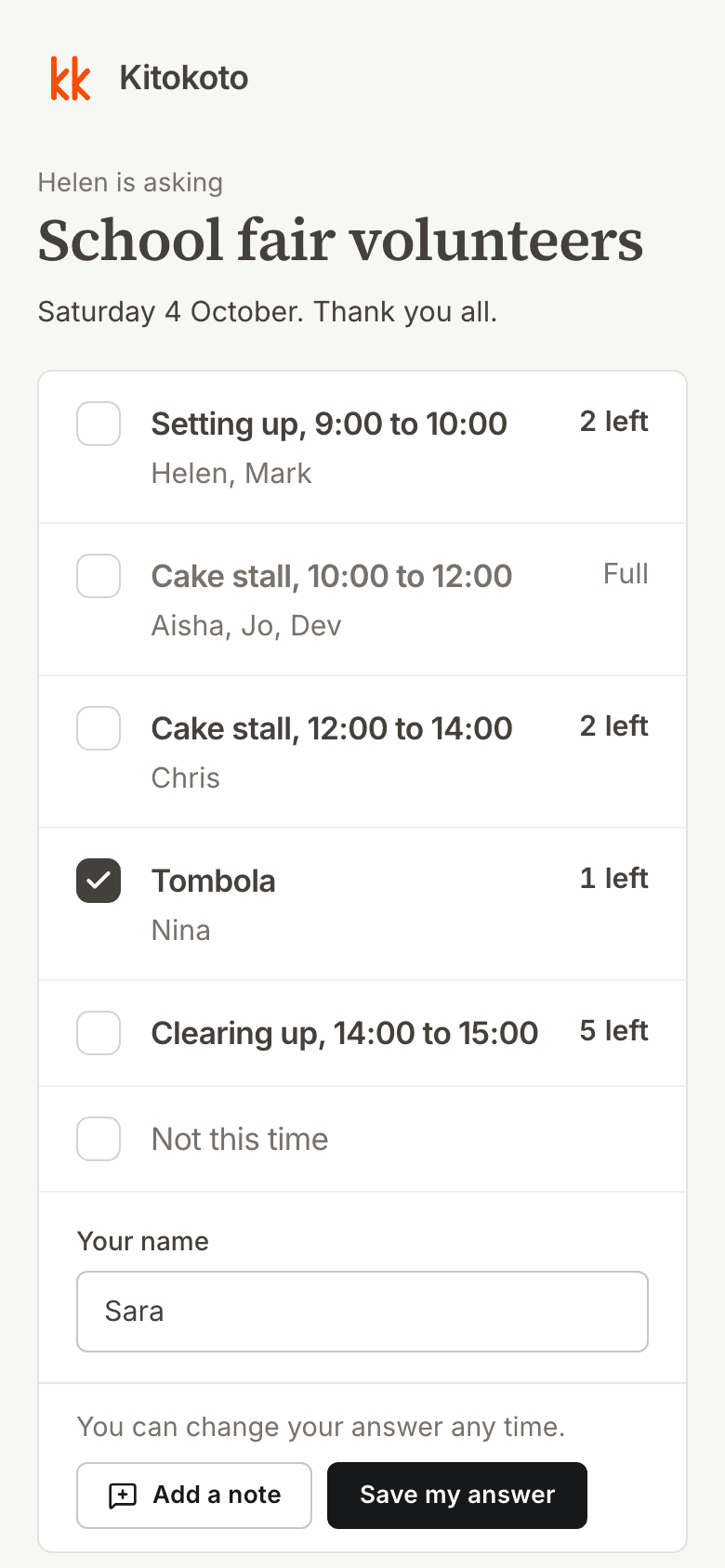
Easy to sign up on a phone
Many sign-up tools ask for an account or an email address. On Kitokoto, signing up takes just a name.
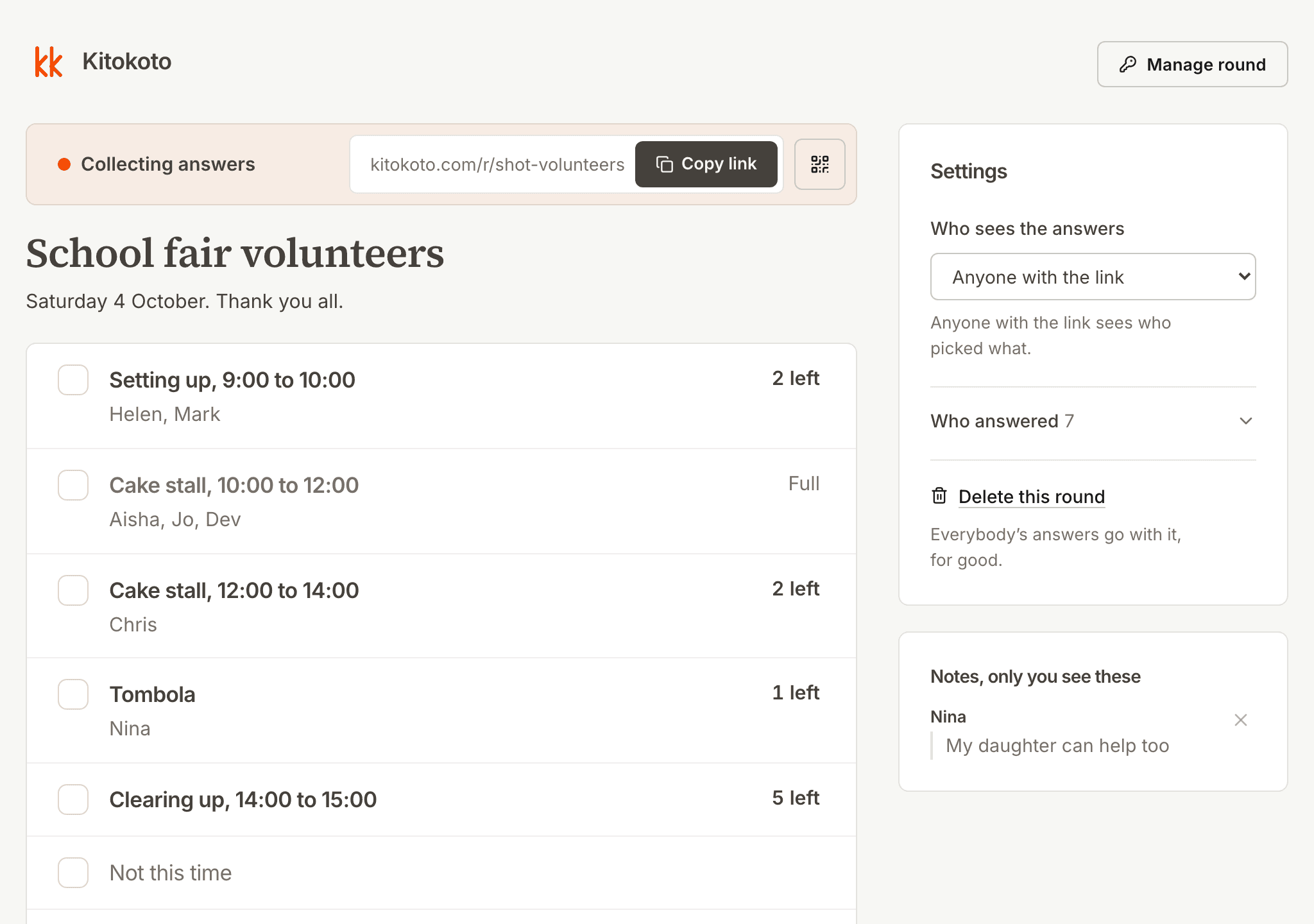
Shifts that still need people
On a paper rota, you count names to find the gaps. Kitokoto shows how many more people each shift needs.
Questions
- How do I make a volunteer sign up sheet?
- List the shifts, say how many people each one needs, and share the link. A shift stops taking sign-ups when it's full.
- Is there a free volunteer sign up sheet template?
- Yes. This one has setting up, two shifts and clearing up, and you can change all of it.
- Can volunteers sign up without an account?
- Yes. Kitokoto has no accounts, for you or anyone you invite.
- Can one person take two shifts?
- Yes. You can sign up for as many shifts as you like.
- Is it free?
- Yes. Kitokoto is free, with no ads and no limit on sheets.