How to pick a restaurant with friends
Where to eat is the question that goes round the group chat for days.Kitokoto puts a few places to your friends in one poll.Free, no account.
Create your first eventBefore you book
- 01
Settle the night first
Agree on the evening before the place. A big table on a Friday needs booking ahead.
- 02
Keep the list short
Three or four places is enough. Any more and the vote splits.
- 03
Ask about food
Check for vegetarian diets and allergies before you pick the places.
- 04
Mind the budget
Pick places at a price the whole table is happy with.
- 05
Book it straight away
Once the vote's in, book the table and say whose name it's under.
- 06
Share the details
Put the time, the address and the booking name somewhere your friends can find it.
Pick the place with Kitokoto
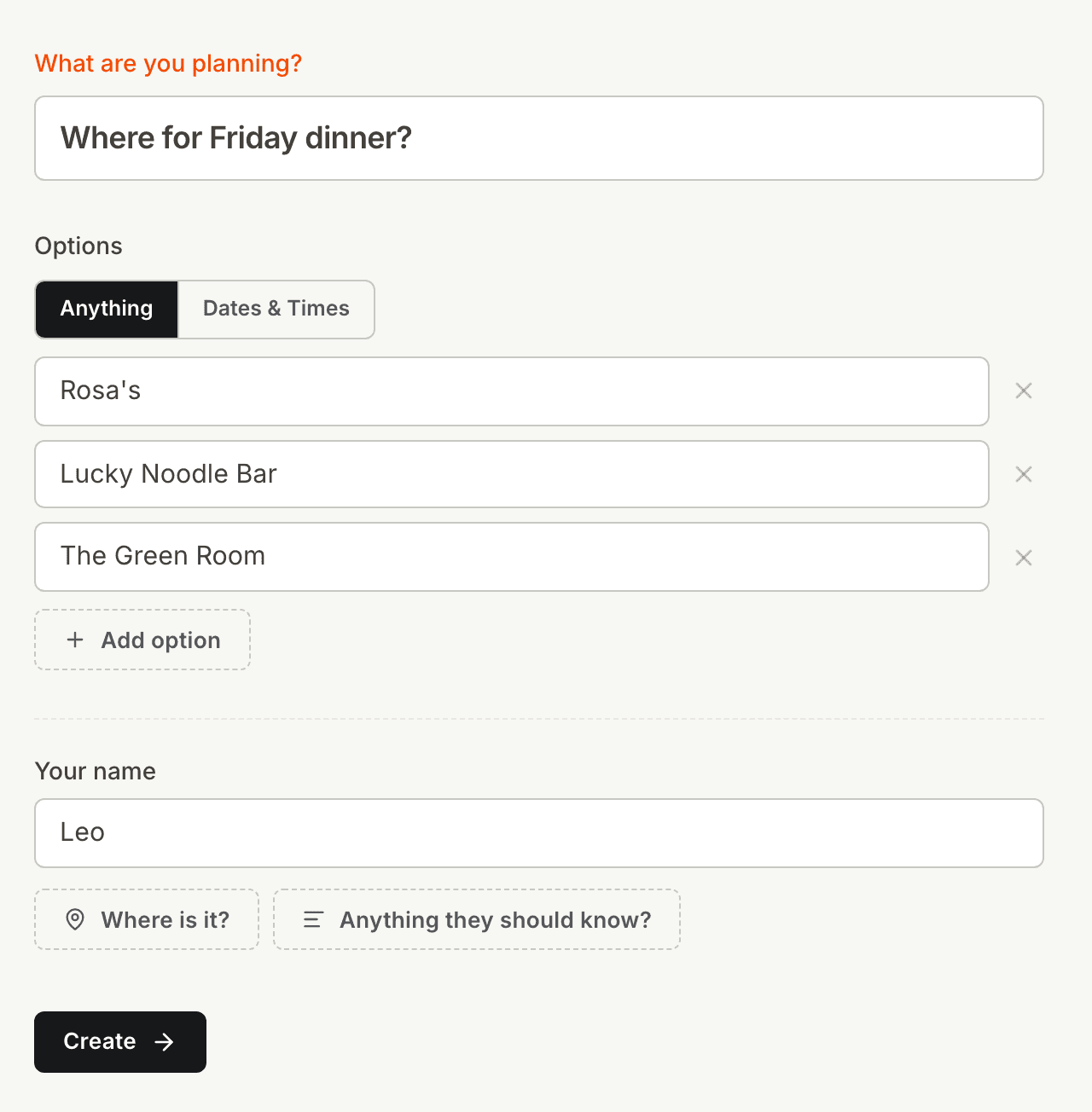
Places in one poll
Opinions in the group chat rarely add up to a decision. Put the places in one poll and let your friends vote.
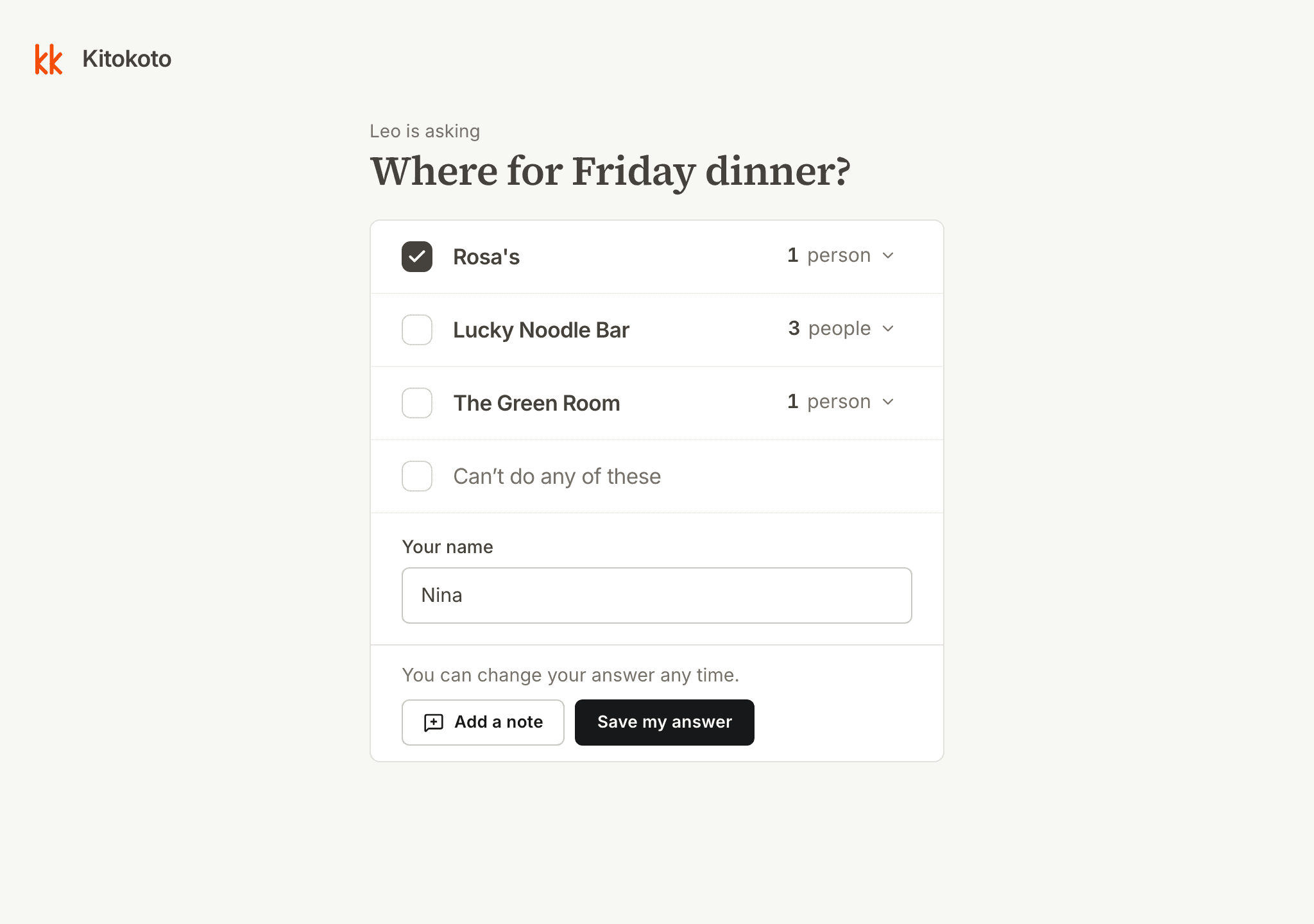
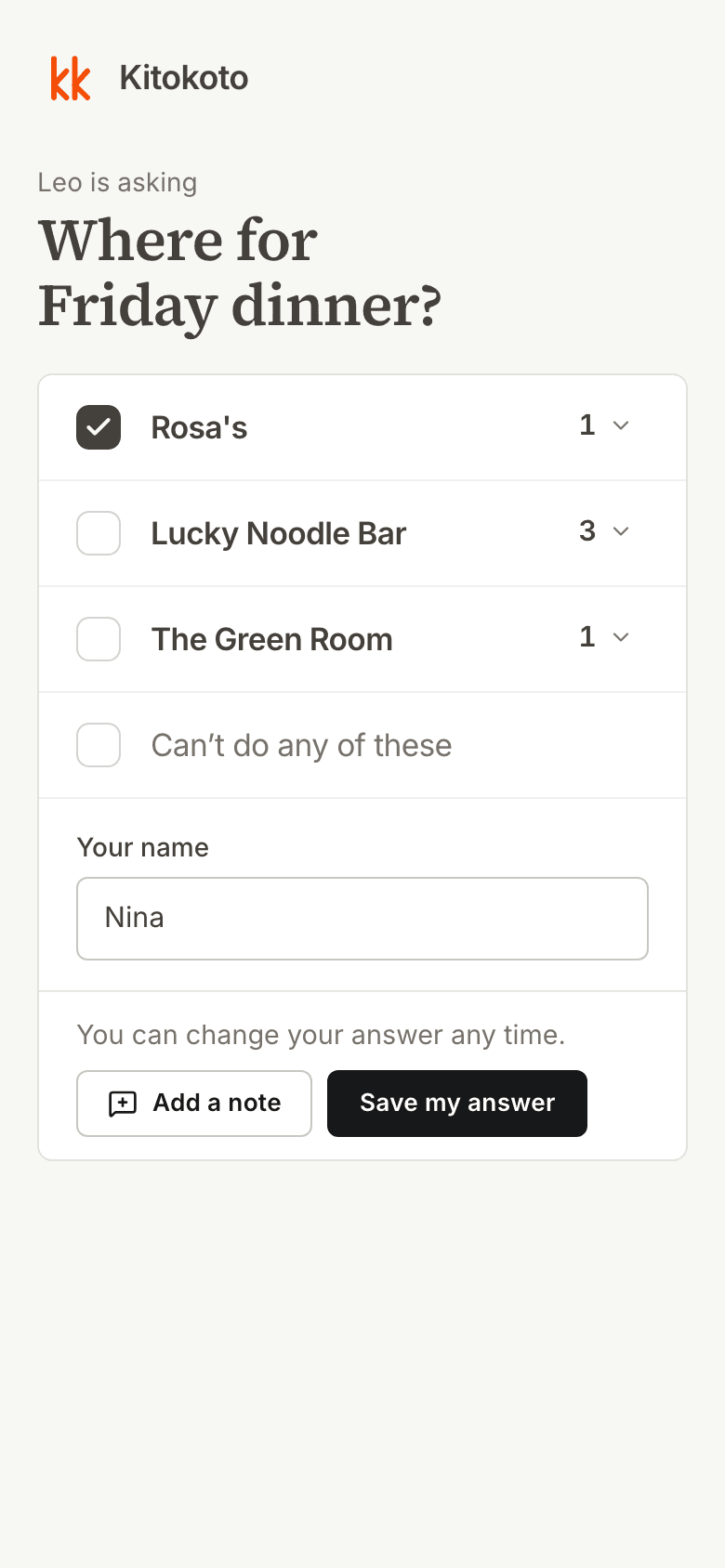
Easy to answer on any device
Your friends won't need an account or an app. Kitokoto opens in the browser on any phone or computer.
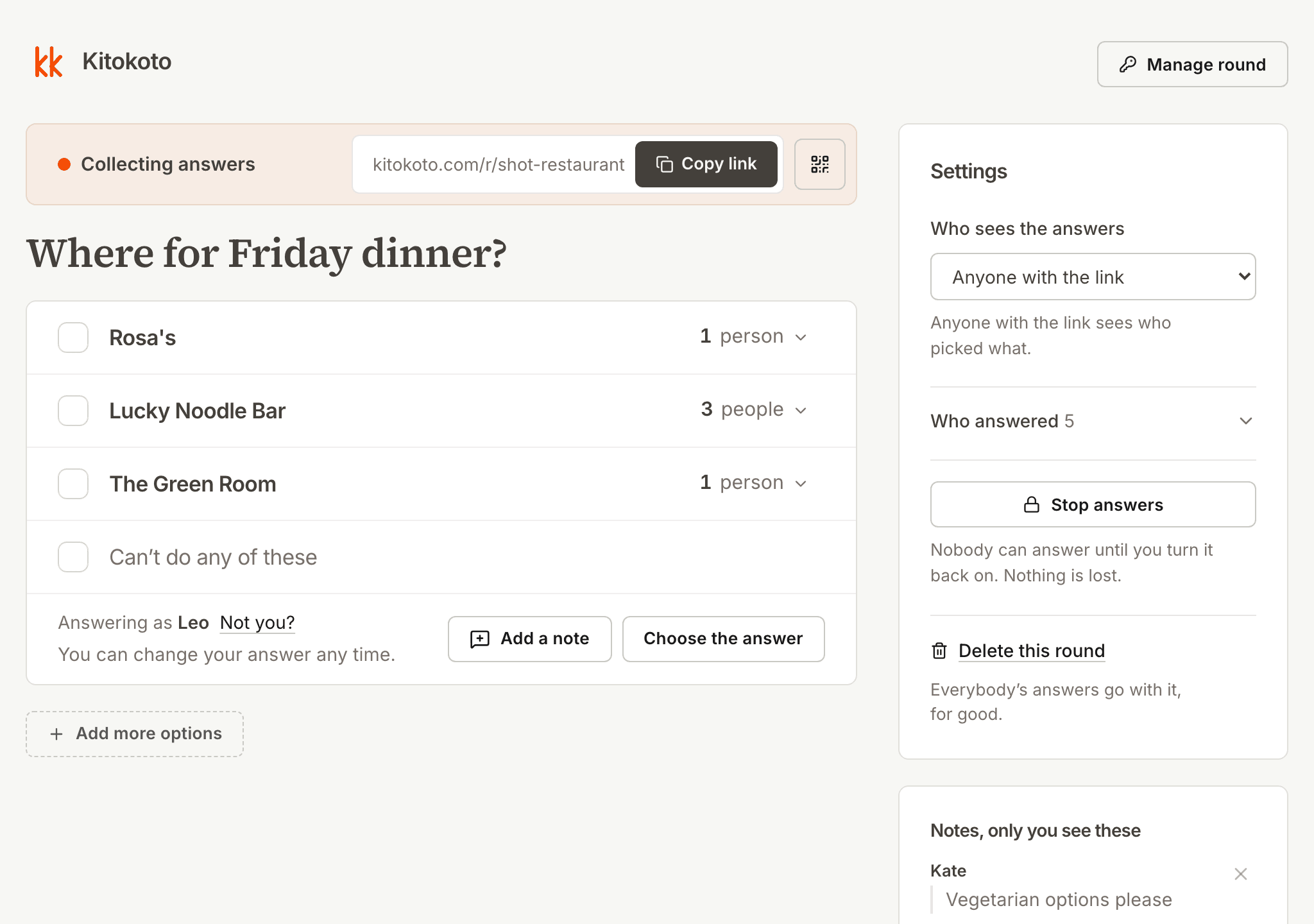
Every vote counted
Counting votes in a chat gets muddled fast. Kitokoto adds up each place and shows who picked what.
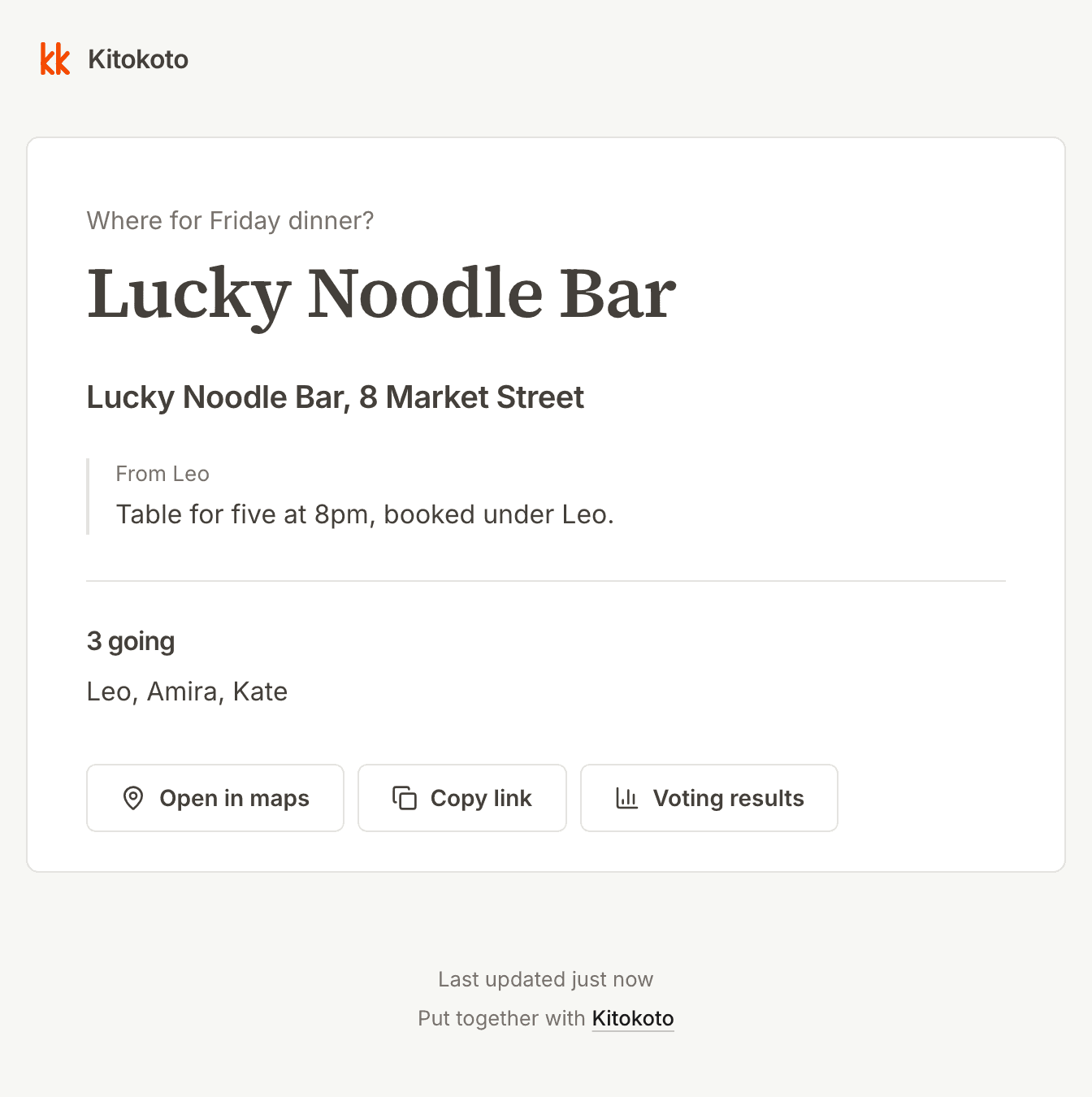
An up-to-date event page
Details posted in a group chat get buried, and changes get missed. Kitokoto gives your dinner a page with the place, the booking and who's coming. When you change a detail, the page changes too.
Questions
- How do you decide where to eat with a group?
- Shortlist three or four places and put them to a vote. Kitokoto shows which one most of your friends picked.
- What if none of the places work?
- You can add more places after the first votes, and the votes already in stay.
- Do my friends need to download an app?
- No. Kitokoto opens in the browser on any phone.
- Is it free?
- Yes. Kitokoto is free, with no account and no ads.