Free team meeting scheduler
In a team chat, replies to "what time works?" get lost in the thread.Kitokoto is a meeting poll your team and people outside your company can answer, with no sign-in.Free, no account.
Create your first eventPlanning a team meeting
- 01
Decide who has to be there
Start with the people the meeting can't happen without. The rest can catch up from the notes.
- 02
Offer two or three times
More than that and the answers spread too thin to pick one.
- 03
Keep it short
Half an hour covers most updates. Book an hour only when there's a decision to make.
- 04
Avoid the edges of the day
First thing Monday and late on Friday are when most of a team is catching up or winding down.
- 05
Ask clients the same way
Clients and partners can answer the same poll, with no sign-in.
- 06
Send the agenda with the time
Put the agenda and the video link in the calendar invite.
- 07
Make it weekly once it works
When a time suits the whole team, set it to repeat in your calendar. Across time zones, start with the meeting planner.
Find the time with Kitokoto
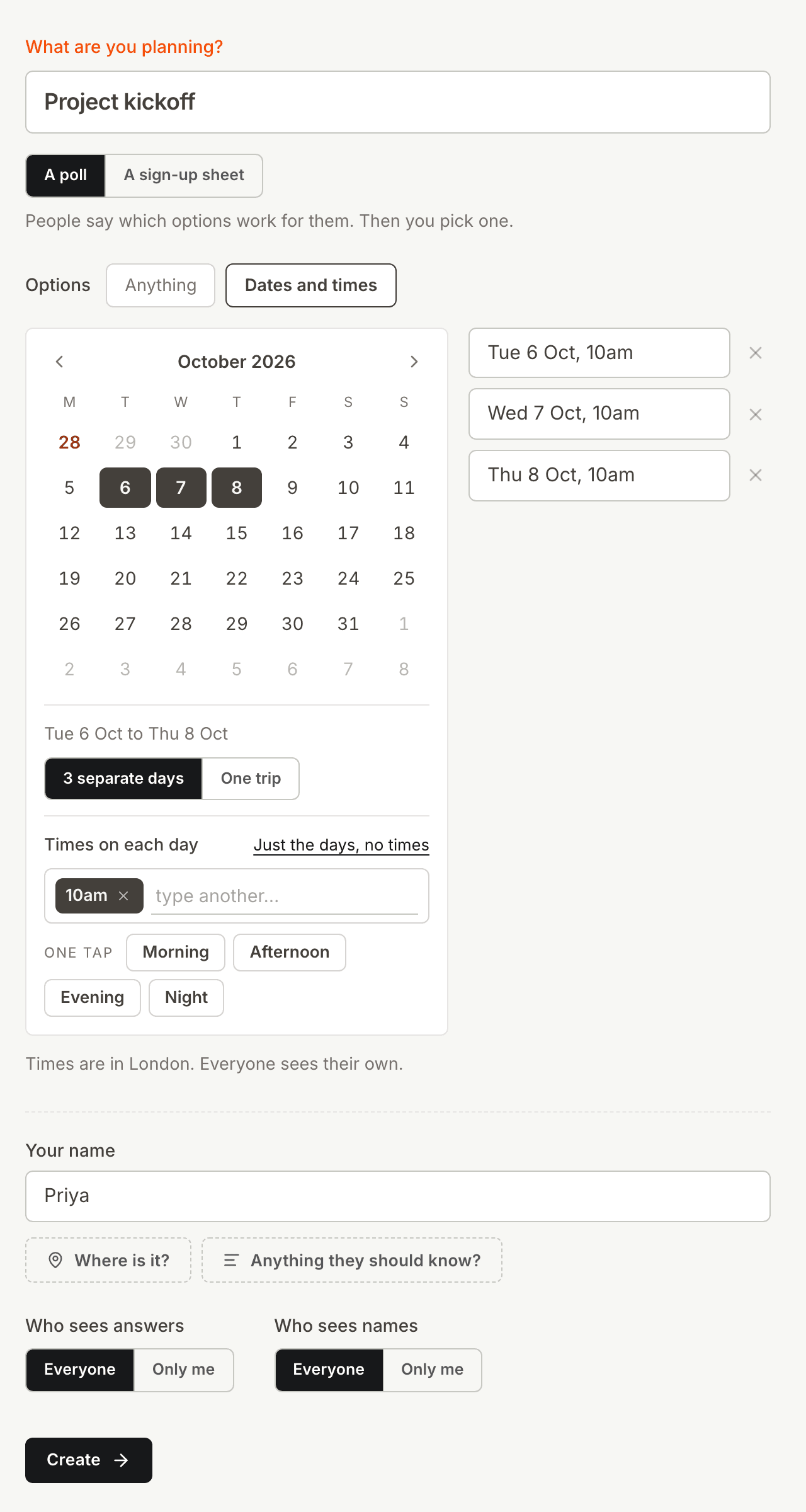
A few times in one poll
Asking what time works in a team chat gets answers spread over a long thread. Put the times you could do in one poll instead.
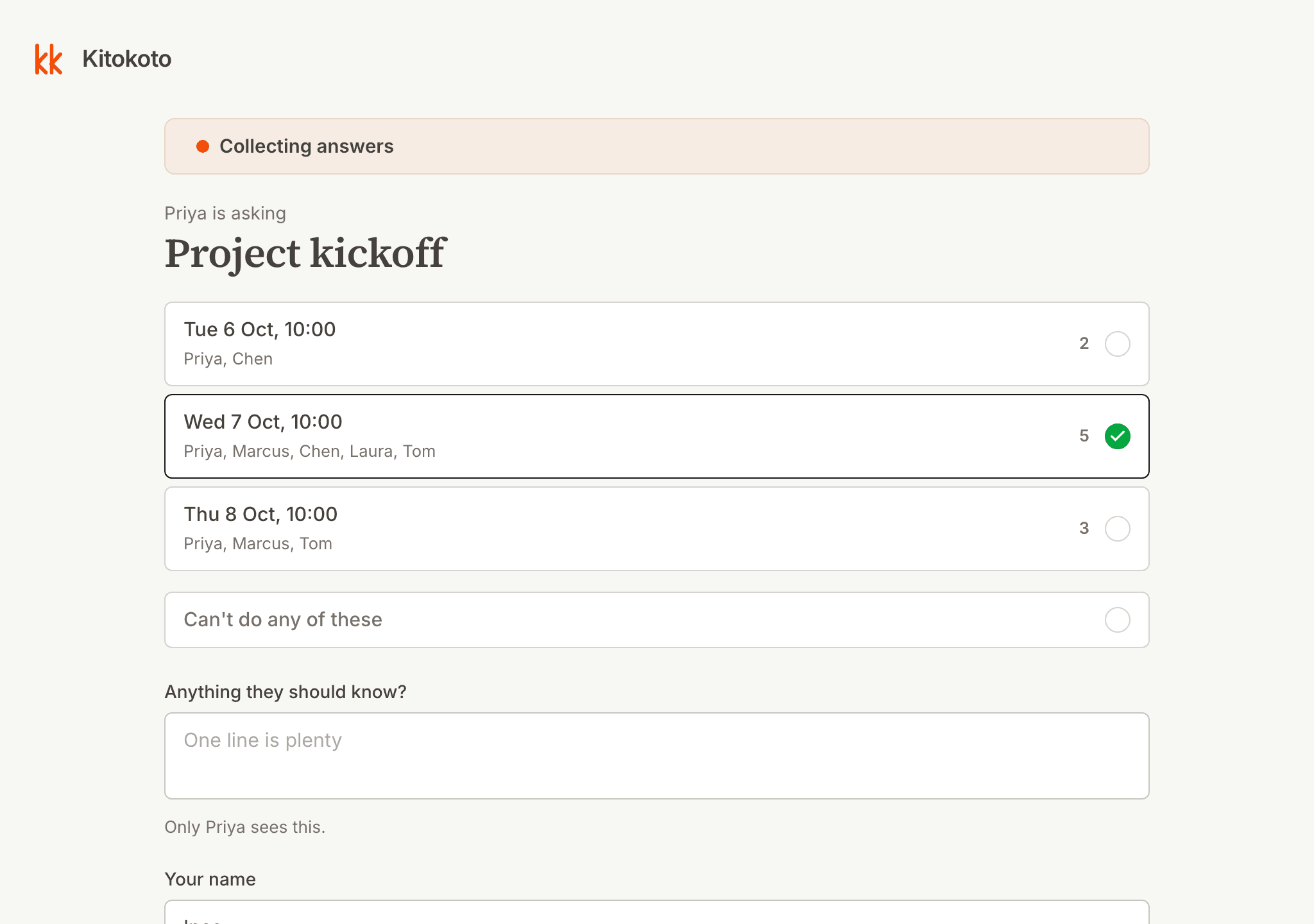
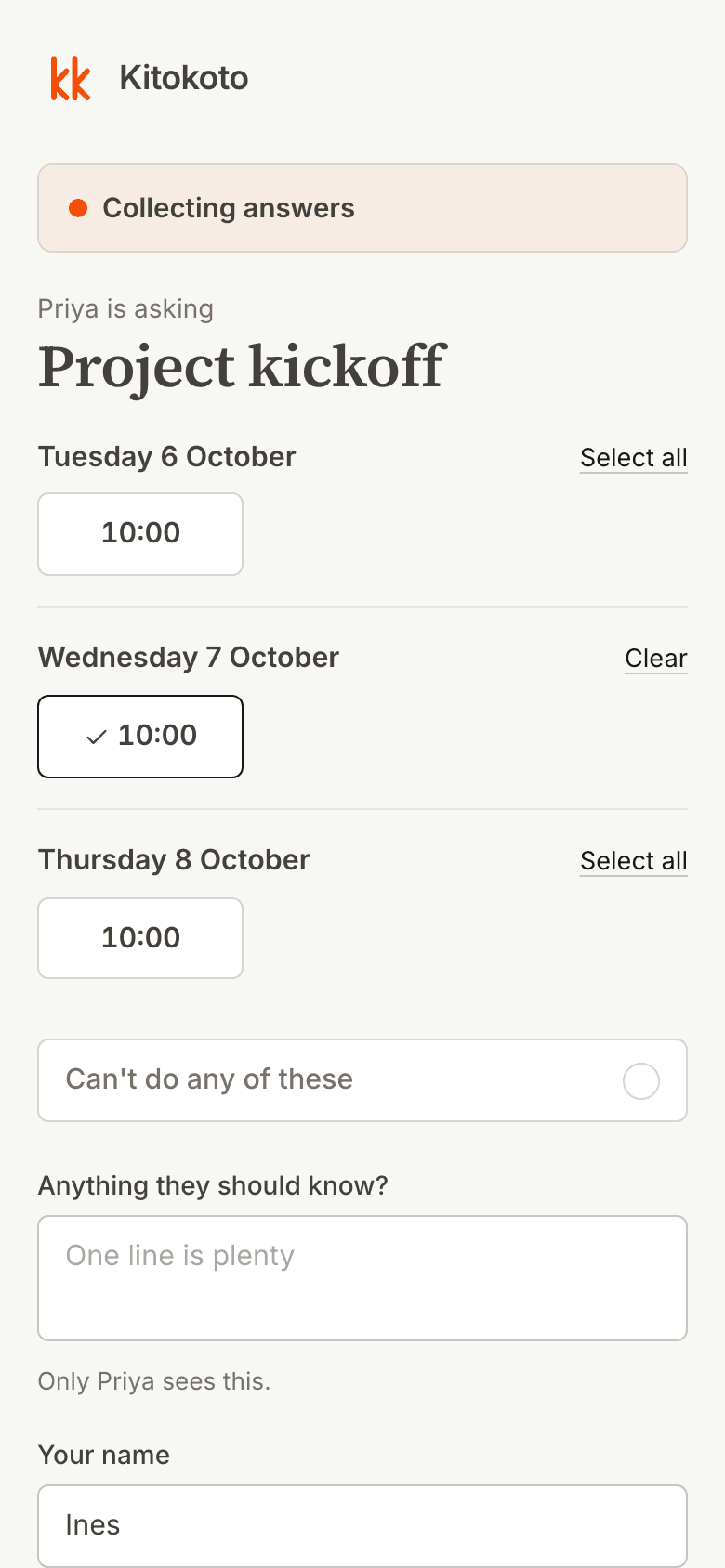
For people outside your company
Scheduling assistants in Outlook and Teams only see calendars inside your company. Kitokoto works the same for clients and partners, with no sign-in.
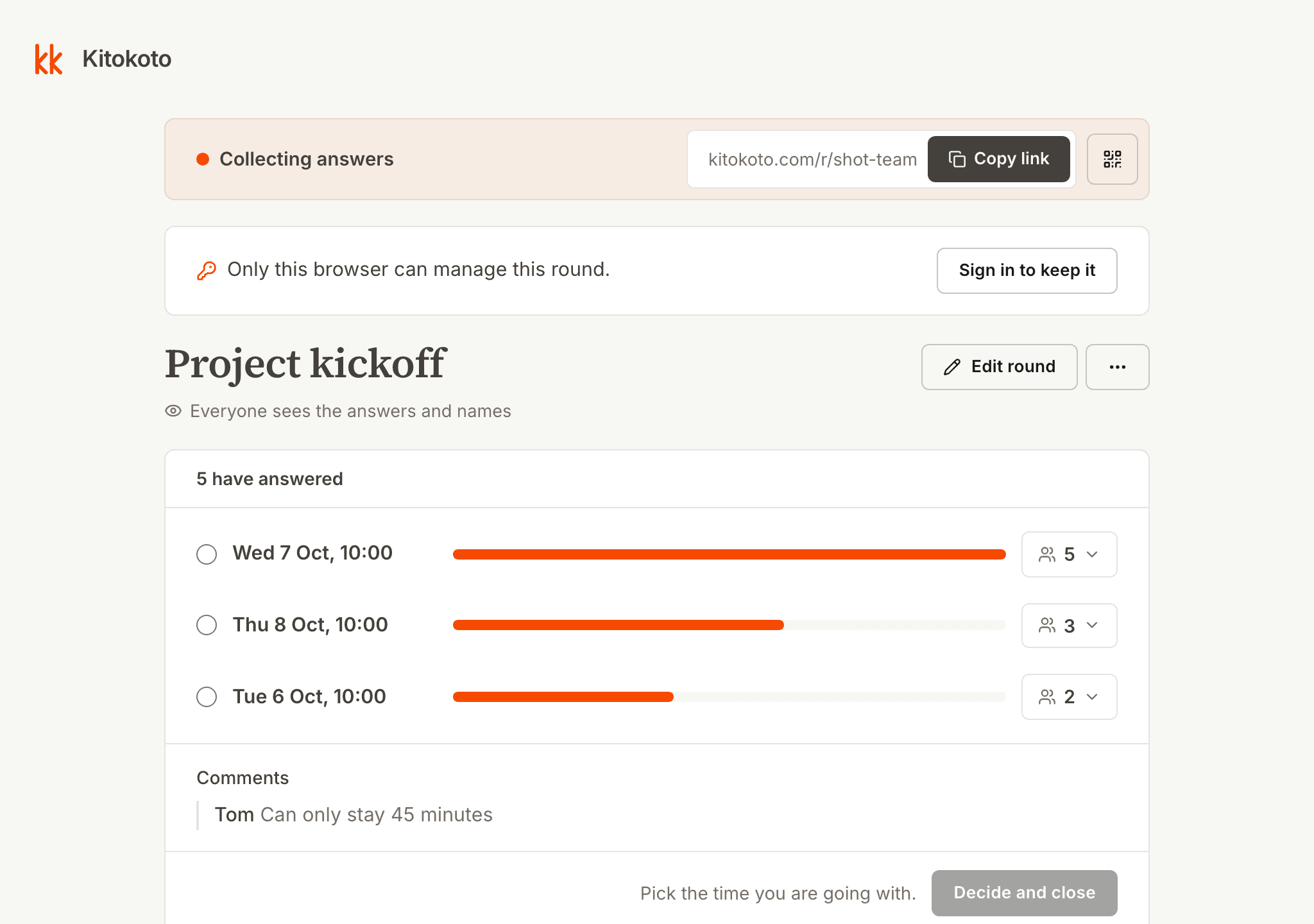
Every answer counted
Tallying replies by hand is easy to get wrong. Kitokoto counts the answers for each time, and notes come only to you.
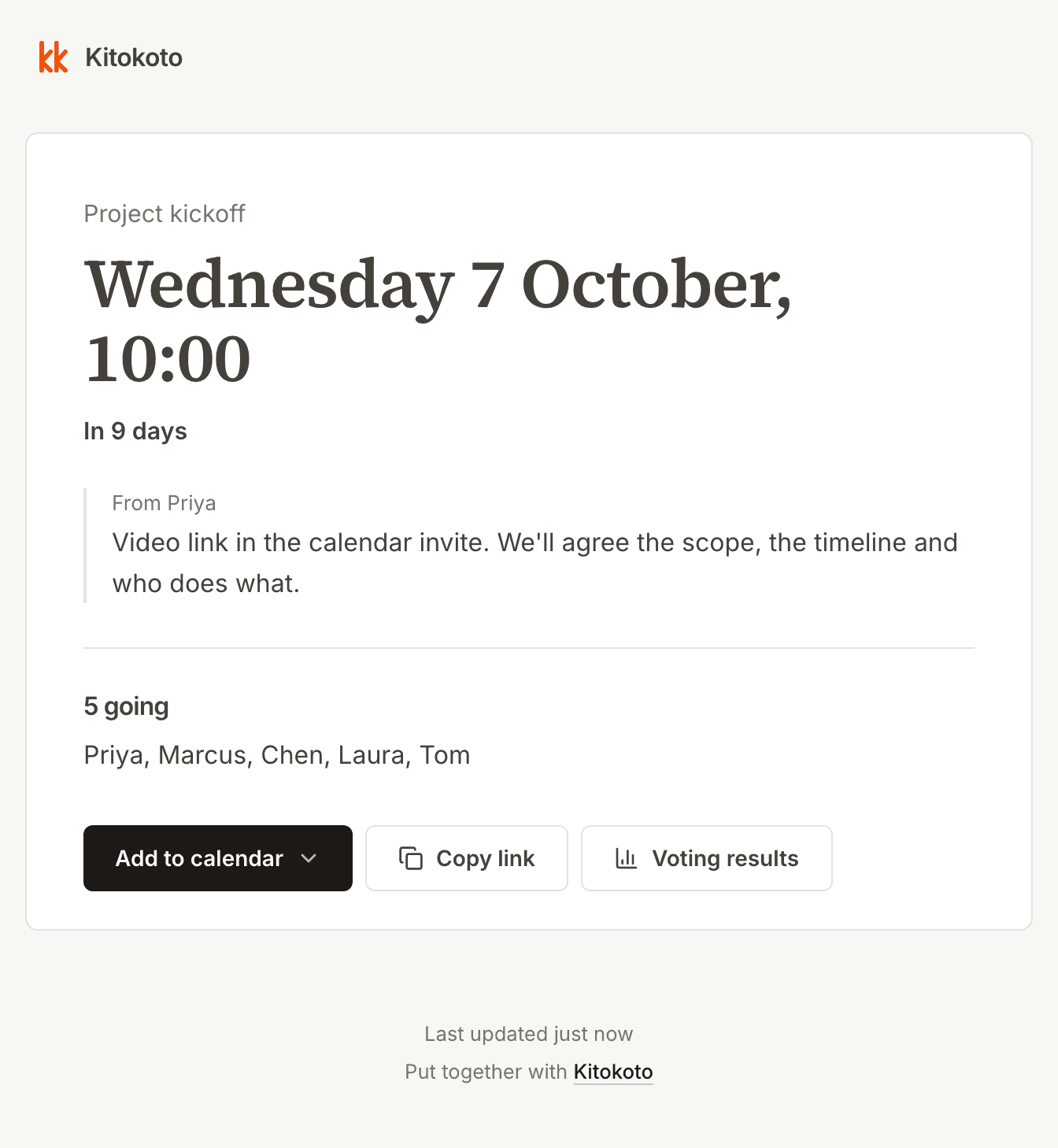
A calendar invite for the time you pick
Most meeting polls stop once you pick a time. Kitokoto gives your meeting a page with the time and a note, and an invite for Google Calendar, Outlook or Apple Calendar.
Questions
- What is the best way to schedule a team meeting?
- Offer two or three times in one poll, then book the one most of the team can make.
- How do I schedule a meeting with a client?
- Send a meeting poll with a few times. Kitokoto works for people outside your company, with no sign-in. Compared with Outlook Scheduling Poll.
- What is the best day for a weekly team meeting?
- Tuesday to Thursday, mid-morning or early afternoon, suits most teams.
- How long should a team meeting be?
- Half an hour for updates, and up to an hour for planning or a decision.
- Does it work with Outlook and Google Calendar?
- Yes. Once you pick a time, the meeting goes into Google Calendar, Outlook or Apple Calendar.
- Can I keep the answers private?
- Yes. You can keep the answers to yourself and share only the time you pick.
- Does my team need an account to answer?
- No. Answering takes just a name.
- Is it free?
- Yes. Kitokoto is free, with no ads.